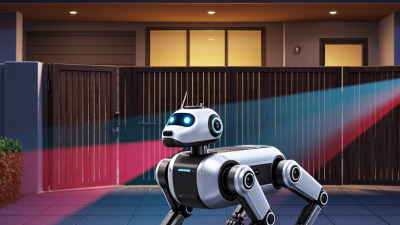
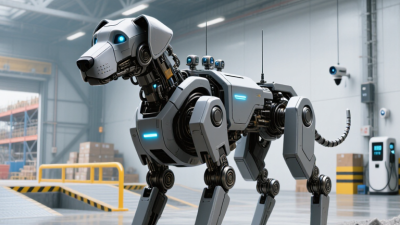
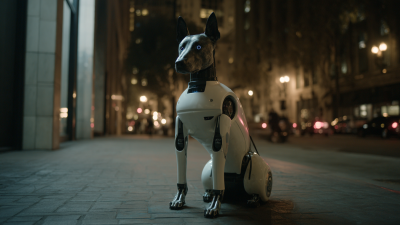
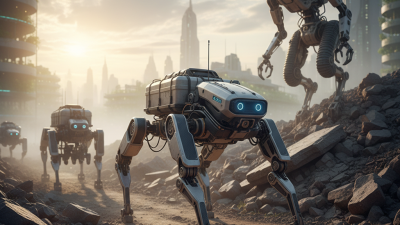
Choosing a security robot dog in 2026 is less about buying the most impressive machine and more about matching its capabilities to a real site. A warehouse aisle, a construction perimeter, and a quiet office campus create different demands. Boston Dynamics founder Marc Raibert has described useful robots as machines that “can go where people go, but do things people can’t or shouldn’t do.” That idea is a helpful starting point, not a buying rule.
Look closely at the route it must patrol. Can the robot handle door thresholds, wet pavement, dim loading bays, and narrow turns? Check camera performance, thermal options, alert quality, battery life, and how quickly staff can review an event. Ask for a supervised on-site trial, not just a polished demo. Watch what happens when a person crosses its path or a radio signal weakens. Small details matter.
Then examine the operating model. Who receives alerts at 2 a.m.? How are recordings stored, accessed, and protected? What maintenance can your team perform, and what requires the supplier? A security robot dog can extend visibility, but it cannot replace trained judgment or a clear response plan. The awkward truth: even excellent hardware can become expensive clutter if nobody owns the workflow. Compare measured performance, support terms, and total operating costs before choosing. Keep the evaluation grounded in your site, your staff, and the risks you can actually verify.
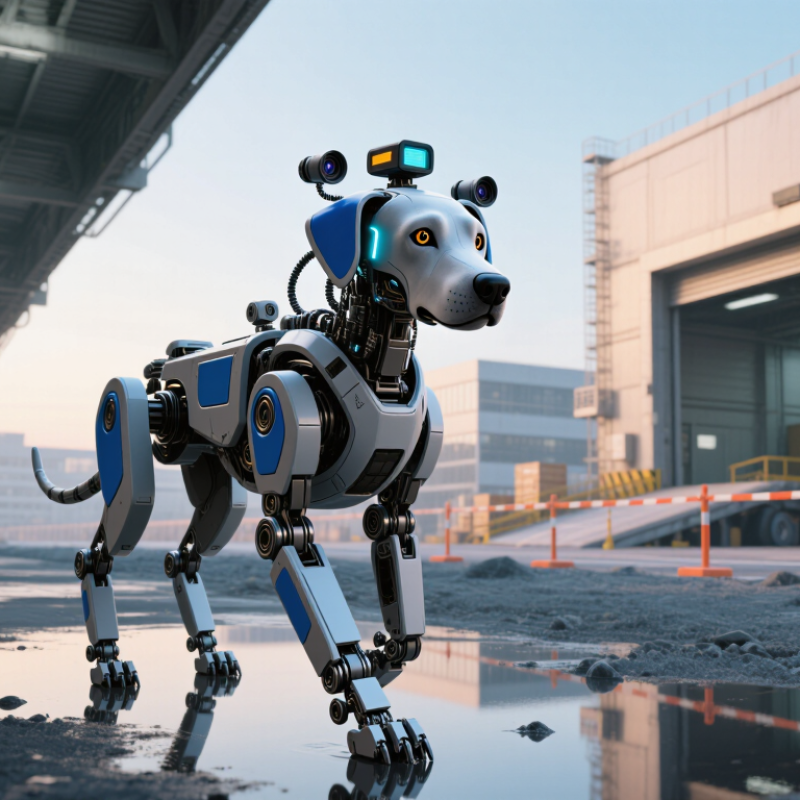
Start with the site, not the machine. List the actual tasks: checking empty corridors, spotting an open door, or guiding staff to an alarm location. Mark blind corners, reflective glass, crowded entrances, and areas where radio signals weaken. At a hospital, a robot may need to pause for a patient bed rather than complete its route. Small details change the mission.
Risk assessment should include people and technology. CDC/NIOSH estimates that nearly 2 million U.S. workers report workplace violence each year; this broad figure is not specific to robot patrols, but it highlights why safe escalation matters. Define when the robot should notify a person, stop, or reroute. Then test those actions during busy and quiet shifts. Not just in a demo.
Also assess the robot’s connected systems. Verizon’s 2024 Data Breach Investigations Report found that 68% of breaches involved a non-malicious human element, such as mistakes or social engineering. That figure covers breaches broadly, not robot incidents. Still, it supports clear account permissions, software-update procedures, and limits on stored video. I would not assume every alert deserves a response; false alarms can exhaust a team. Track missed detections and unnecessary alerts during a pilot, and revise the task list before setting performance targets.

How to Choose a Security Robot Dog in 2026?
Assess the Site, Terrain, Connectivity, and Operating Conditions
Start with the route, not the brochure. Measure door widths, turning space, ramp angles, floor gaps, and the narrowest gate. Walk the route after rain, too. Loose gravel, wet grates, polished floors, and abrupt thresholds can challenge footing or sensors. Small details matter. Check whether the robot can pause safely when people cross its path, and whether its cameras handle glare from glass or low evening light.
Connectivity needs a site test. The ITU’s Facts and Figures 2024 estimates that 5.5 billion people were online, while 2.6 billion remained offline. That global figure cannot predict your signal, but it cautions against assuming coverage. Test cellular and Wi-Fi at loading bays, underground levels, and far corners. Record dead zones, handoff delays, and what the robot does when contact drops. I would not trust a perfect lobby demo.
Operating conditions shape the choice. Log expected temperatures, dust, rain exposure, shift length, charging access, and cleaning needs. The International Federation of Robotics’ World Robotics 2024 report counted about 4.28 million industrial robots operating worldwide in 2023; that scale signals mature automation, not universal site readiness. Ask for task-specific trials on your actual surfaces and routes. Try a full shift. Keep notes on battery use, false alerts, and recovery after a blocked path. Some misses will remain; review them honestly before expanding patrol coverage.
| Assessment Dimension | What to Check on Site | Lower-Demand Conditions | More Challenging Conditions | Selection Guidance |
|---|---|---|---|---|
| Site layout and patrol area | Map patrol routes, entrances, restricted zones, blind corners, pedestrian areas, and the distance between patrol points. | Short, predictable routes with clear sightlines and a small number of access points. | Large or changing sites with multiple buildings, complex routes, or frequent temporary obstructions. | Choose navigation and mapping functions suited to the route complexity. Confirm whether maps can be updated and patrol routes changed by authorized staff. |
| Terrain and floor surfaces | Inspect slopes, thresholds, loose surfaces, gravel, wet floors, cables, gaps, and transitions between indoor and outdoor areas. | Level, firm, even surfaces with few obstacles. | Uneven ground, loose material, repeated surface changes, steep slopes, or obstacles that may affect stability. | Compare the robot’s documented slope, obstacle, and surface limits with the actual route. Test on representative site surfaces before deployment. |
| Stairs, doors, and narrow passages | Measure passage widths and check stair geometry, door thresholds, ramps, gates, and whether doors must be opened automatically. | Routes use ramps, elevators, or accessible ground-level paths. | Patrols require stairs, tight turns, narrow corridors, or interaction with doors and gates. | Do not assume a legged platform can safely use every staircase or pass through every doorway. Verify the exact capability and define an alternate route where needed. |
| Connectivity and coverage | Survey Wi-Fi or cellular coverage along the full route, including basements, loading bays, remote boundaries, and areas behind dense structures. | Consistent coverage throughout the patrol area. | Dead zones, metal structures, underground spaces, or outdoor areas far from access points. | Test coverage at the robot’s operating height and during normal site activity. Establish what the robot does if a link is interrupted, and whether local operation or safe return is supported. |
| Positioning and navigation | Check whether routes are indoors, outdoors, near tall buildings, under roofs, or in places where satellite signals may be obstructed. | Open areas or indoor routes with reliable mapped features and clear navigation references. | Indoor spaces, covered walkways, urban canyons, or locations with changing layouts and limited positioning signals. | Ask how the robot navigates when satellite positioning is unavailable or unreliable. Validate localization performance on the actual route, not only in an open test area. |
| Weather and environmental exposure | Record expected rain, dust, temperature, humidity, direct sun, washdown practices, and exposure to corrosive or hazardous substances. | Controlled indoor conditions or sheltered outdoor patrols. | Heavy rain, dust, temperature extremes, frequent washdown, or exposure to chemicals. | Check the manufacturer’s published operating limits and ingress-protection rating. An ingress-protection rating does not by itself confirm suitability for every weather or chemical exposure. |
| Lighting and visibility | Assess daylight changes, nighttime illumination, glare, reflective surfaces, shadows, and camera views at doors and boundaries. | Stable lighting with unobstructed views along the route. | Dark areas, strong backlighting, glare, fog, or rapidly changing illumination. | Verify camera and sensor performance in both day and night conditions. Confirm that any supplemental lighting is suitable for the site and does not create unsafe glare. |
| Runtime and charging | Estimate patrol frequency, route duration, idle time, charging access, and the time available between shifts. | Intermittent patrols with predictable breaks and accessible charging. | Long or frequent patrols, continuous coverage expectations, or limited charging access. | Compare runtime under representative workloads, including movement, sensing, communications, and environmental conditions. Plan charging and human backup rather than relying only on a headline runtime figure. |
| People, vehicles, and safety | Identify pedestrian traffic, forklifts, vehicles, public access, crossing points, and areas where the robot must stop or yield. | Segregated patrol routes with few moving hazards. | Busy shared spaces, mixed vehicle traffic, crowds, or frequent changes to work zones. | Review obstacle detection, emergency-stop access, speed controls, warning signals, and operating procedures. Test interactions with people and vehicles under supervised conditions. |
| Security tasks and response workflow | Define whether the robot is expected to observe, record, report an event, communicate with staff, or support a human responder. | Routine observation and scheduled patrol reporting. | Time-sensitive alerts, remote operator involvement, or integration with existing security workflows. | Confirm alert routing, operator handoff, event review, and system integration requirements. Treat the robot as a security aid, not a replacement for trained personnel or emergency response procedures. |
| Data protection and access control | Determine what video, audio, location, and event data may be collected, where it is stored, who can access it, and how long it is retained. | Limited data collection with defined users and retention rules. | Sites with sensitive areas, strict privacy requirements, or multiple operator groups. | Review access controls, encryption, update processes, audit records, retention settings, and applicable privacy requirements before deployment. |
Evaluation note: Site conditions and product specifications vary. Use this table as a screening checklist, then validate performance through a supervised trial on representative routes and in expected operating conditions.
Choosing a security robot dog in 2026 starts with the route, not the brochure. Test it on wet ramps, door thresholds, gravel, and tight turns; a smooth showroom floor hides traction and recovery problems. Check runtime with cameras, lights, and communications active. The International Federation of Robotics’ World Robotics 2024 report recorded nearly 205,000 professional service robots sold in 2023, up 30%. Transport and logistics accounted for 113,000 units. That is useful market context, not a forecast for security robot dogs.
Compare low-light cameras, thermal detection, microphones, and obstacle sensors under real site conditions. Ask how the robot handles glare, rain, moving people, and false alarms. Autonomy should support repeatable patrols and safe stops, while a remote operator can review video and manage exceptions. NIST’s AI Risk Management Framework 1.0 (2023) emphasizes governing and monitoring risks across a system’s lifecycle; apply that thinking to access controls, event logs, software updates, and escalation procedures. People remain part of the design. More sensors can mean more alerts, not better judgment. Test that assumption during a supervised site trial.
Example procurement-planning ratings on a 1–5 scale. These are illustrative priorities, not measured scores for specific products; score each candidate against your site requirements.
How to use this: Treat human oversight as a core safety requirement. Verify obstacle handling, sensor performance in site conditions, operating time, communications resilience, and operator controls through documentation and an on-site trial.
Check Safety Standards, Privacy Controls, and Legal Requirements
Before comparing patrol features, ask for a documented risk assessment. Check how the robot stops when its link drops, detects people near its legs, and behaves on wet floors or ramps. ISO 12100 offers a framework for machinery risk assessment; safety-control requirements may also apply, depending on the design and location. Ask for test records, not just a checklist. A smooth demo is not a safety case.
Privacy needs equal scrutiny. Look for camera masking, encrypted video, role-based access, short retention settings, and audit logs. IBM’s 2024 Cost of a Data Breach Report put the global average breach cost at US$4.88 million. That figure is not specific to robots, but it shows why exposed patrol footage can become an expensive problem. Check local rules for workplace monitoring, recording notices, radio equipment, and site access before deployment. Requirements vary. I would still ask who can export clips—and how that access is reviewed.
Tips: Walk the planned route with the robot. Test its emergency stop, blocked-camera alert, and offline behavior. Keep the results. If staff cannot explain what the cameras retain, the privacy controls need another look.
A security robot dog’s purchase price is only the visible part of its cost. Estimate expenses over three to five years, including batteries, charging equipment, software subscriptions, operator training, and replacement parts. Ask vendors for a written cost model, not just a starting price. Include setup and integration work, since connecting the robot to existing monitoring systems can take more time than expected.
Support matters when a unit stops during a scheduled patrol. Check the vendor’s support hours, response targets, repair process, and availability of loaner equipment. Ask who handles software updates and whether technicians can diagnose faults remotely. A clear answer is reassuring. Vague promises are not. Request references from customers operating robots in similar weather and terrain, then ask how long repairs actually took.
Long-term maintenance should be practical for your team. Find out how often sensors need cleaning, how battery capacity changes with use, and which checks operators can perform themselves. Confirm spare-part lead times and whether maintenance requires shipping the unit away. A detailed schedule helps, but it may need adjustment after real shifts reveal dust, rain, or uneven ground. No estimate is perfect; leave room in the budget for wear you did not anticipate.